
[ TIPS · THE DISPATCH ]
Public Wi-Fi Abroad Is a Wallet Trap: How to Actually Use It Without Getting Drained
Half of what you've read about public WiFi is fear-mongering and half is genuinely useful. Here's the actual answer to whether public WiFi is safe while traveling — and the captive-portal scam nobody warns you about.
Is public WiFi safe while traveling? The answer is more interesting than the scary blog posts make out, and a lot of what you’ve been told is years out of date. So let’s clear it up, because the actual risks aren’t the ones you’re worrying about — and the real trap is one almost nobody mentions.
I’ll start with a confession. I used to be a VPN evangelist. Airport WiFi? VPN. Hotel lobby? VPN. Café in Lisbon? VPN, obviously, what am I, an animal. Then a friend who actually does security for a living watched me do this and said, kindly, “You know most of that is theatre, right?” And he was right, and I’ve calmed down a lot since.

What people get wrong about the danger
The classic horror story is the hacker in the corner “reading your passwords” off the open network. A decade ago, fair enough — a lot of websites sent your data in plain text and someone on the same WiFi really could snoop it. That world is mostly gone. Today the overwhelming majority of sites and apps use HTTPS, which encrypts the connection end to end. Your banking app, your email, basically anything that matters — already encrypted, network or no network. The person two tables over genuinely cannot read your bank login off the air anymore.
So the old “they’ll steal your password over open WiFi” fear is, for normal browsing, mostly overblown. That’s the paranoia half.
Here’s the half that’s real.

The actual threats (these are the ones to mind)
Fake “evil twin” networks. Anyone can name a hotspot whatever they like. At an airport you’ll see “Free Airport WiFi,” “Airport Free WiFi,” “_Airport_WiFi_Free” — and one of them might be a laptop in someone’s bag, broadcasting a clone to harvest whatever it can. Your device, helpfully, might auto-join the one with the strongest signal. That’s the trap. The network name is not proof of anything.
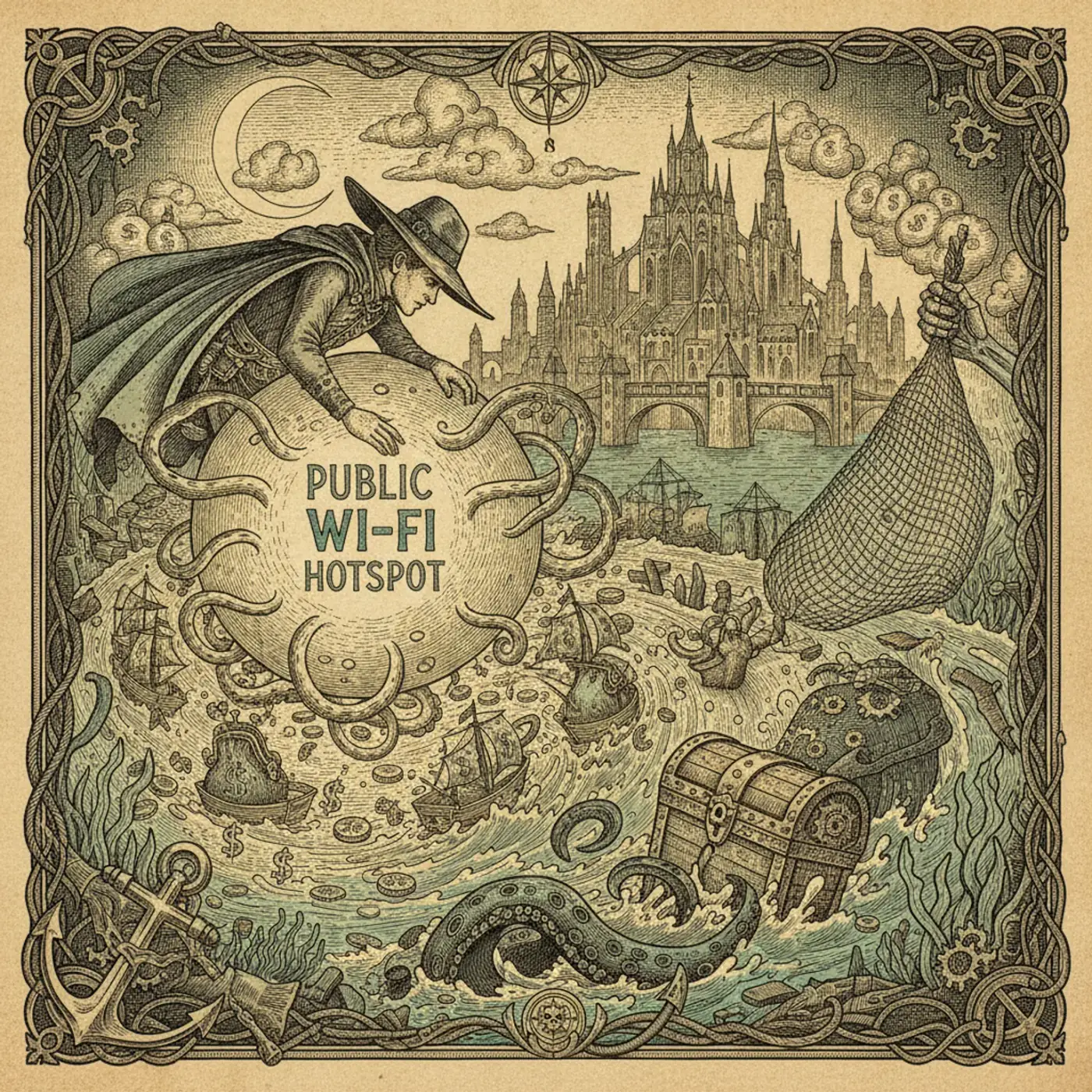
The captive-portal scam. This is the wallet-drainer in the headline. You connect, a login page pops up, and it asks you to “pay £4.99 for premium WiFi” with a card. Sometimes that’s legitimate. Often, on a spoofed network, it’s a card-harvesting page dressed up to look official. You’re handing your card number to a stranger who set up a fake hotspot in a Costa. Never put a card into a WiFi login page. Ever. Real paid airport WiFi almost always routes through a recognisable provider or your hotel bill, not a random “pay here” box.
Dodgy redirects on the login page. Some captive portals try to get you to install a “certificate” or an app to connect. Don’t. A coffee shop does not need you to install software to give you internet.

The two settings that matter more than a VPN
Forget downloading anything for a second. Go into your phone right now and do these two things.
Turn off auto-join / auto-connect for WiFi. By default your phone hunts for known and open networks and silently connects. That’s how you end up on an evil twin without ever choosing it. Make it ask you. On both iPhone and Android you can stop it auto-joining open networks — do it.
Forget networks after you use them. That “BTWiFi” or “Starbucks” your phone remembers from home will auto-join any network broadcasting the same name anywhere in the world. Which is, again, trivially spoofable. Tell your phone to forget public networks once you’re done with them. Tedious, yes. But it closes the exact hole the fake-network trick relies on.
These two changes do more real-world good than a VPN you install, use twice, and forget to switch on for the rest of the trip.
So… should you bother with a VPN at all?
A reasonable yes, with realistic expectations. A VPN encrypts everything between your device and the VPN server, which is genuinely useful on a sketchy network and also hides your traffic from the network owner. It’s a fine extra layer, and it has the bonus of letting you reach home banking or streaming that geo-blocks you abroad.
But it is a layer, not a force field. It doesn’t protect you if you type your card into a scam portal — that’s you handing over the data, encryption can’t save you from that. And a free VPN is often worse than none, because the business model is selling your data, which rather defeats the point. If you use one, pay for a reputable one. Mullvad and Proton are the ones I’d trust; both are cheap and don’t keep logs.
The thing is, a VPN solves the “someone snooping the network” problem — which, as we covered, HTTPS mostly already solved. It does very little against the fake-network and fake-portal problems, which are the actual modern threats. So it’s nice to have, not the headline act people make it.
A clean, lazy-but-safe routine
Here’s what I actually do now, and it takes no effort once it’s habit. Auto-join off, public networks forgotten after use. Ask staff for the real network name. Never type a card into a WiFi page — if it wants money, I use mobile data or skip it. For anything genuinely sensitive on a network I don’t trust, I just flip to my eSIM mobile data for the two minutes it takes, because cellular is encrypted by default and far harder to spoof than a café hotspot. And I keep a paid VPN around for streaming and the occasional “I really don’t trust this hotel’s network” moment.
That’s it. No paranoia, no theatre. The fear that someone’s reading your passwords off the air is mostly outdated; the thing that’ll actually cost you is a fake portal asking for a fiver. Guard against the real one and ignore the ghost story.
Use public WiFi all you like — just never let a login page touch your card, and your wallet walks away fine.
This article contains affiliate links marked rel="sponsored". We may earn a commission at no extra cost to you.